
Which Laptop Screen Is Best for Your Eyes?
Learn how display features like IPS panels, anti-glare coatings, blue light filters, resolution, and refresh rate affect eye comfort during long laptop use.
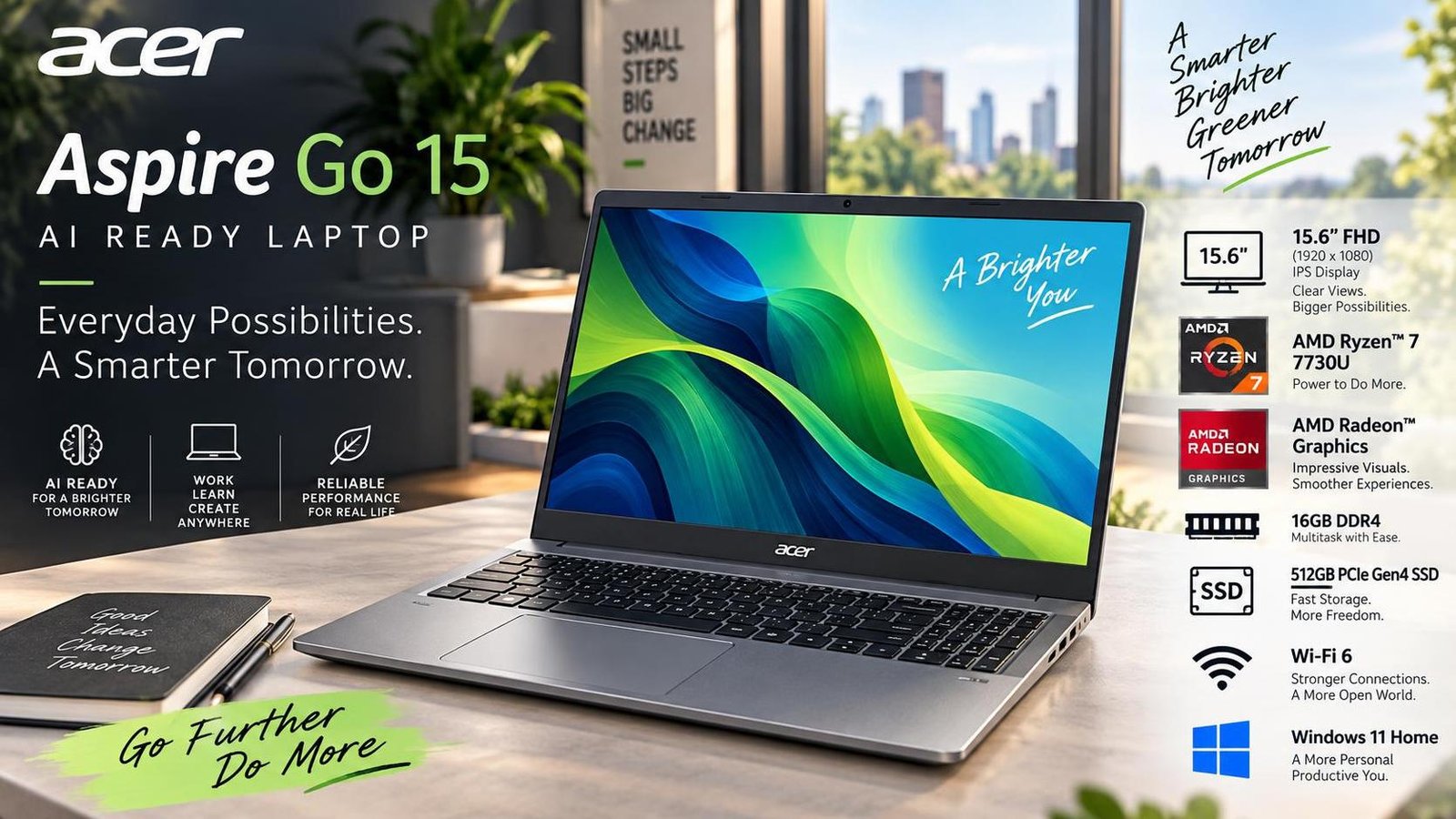
Which Laptop Screen Is Best for Your Eyes?
Many laptop users experience eye strain, headaches, blurred vision, or sleep problems after long hours in front of a screen. While processor speed, RAM, and storage often dominate buying decisions, display quality can have a bigger impact on daily comfort. The right laptop screen can reduce fatigue, improve readability, and make work or study sessions more productive. Understanding which display features matter most helps you choose a laptop that is easier on your eyes over the long term.
Why Laptop Screens Cause Eye Strain
Eye strain usually comes from a combination of display characteristics and usage habits. Blue light emitted by screens can contribute to fatigue and disrupt sleep patterns, especially during evening use. Flickering, even when not consciously visible, can lead to headaches over time. Excessive brightness or glare forces the eyes to work harder, while low resolution makes text and images less sharp, increasing visual effort. Long uninterrupted sessions also reduce blinking and dry out the eyes.
Common Screen-Related Causes of Discomfort
- Blue light exposure: Can increase eye fatigue and affect sleep quality.
- Screen flicker: May cause headaches and strain during prolonged use.
- Glare and high brightness: Make it harder to focus and increase fatigue.
- Low resolution: Reduces text clarity and forces the eyes to strain.
- Poor viewing angles: Can distort colors and reduce readability.
IPS vs TN Panels: Which Is Better for Your Eyes?
IPS, or In-Plane Switching, panels generally offer better color quality and wider viewing angles than TN panels. Text and visuals remain clearer from different positions, which is helpful for reading, office work, and study. TN panels are often cheaper but can look washed out and may cause faster visual fatigue. For most users who spend hours reading or working with documents, an IPS display is the more comfortable choice.
Anti-Glare Displays
An anti-glare screen reduces reflections from ambient light. This is especially useful if you work near windows or under bright lighting. By minimizing reflections, anti-glare displays help the eyes stay relaxed and improve readability during long sessions.
Blue Light Filter and Eye Care Modes
Many modern laptops include eye care modes or blue light filters that shift the screen toward warmer tones. This can reduce strain, particularly at night. If you regularly work in the evening, choosing a laptop with a reliable blue light filter is a smart decision.
Resolution and Refresh Rate
Higher resolution makes text and images sharper, reducing the effort needed to read. Full HD is a practical minimum, while 2K or 4K displays are better for designers, video editors, and users who need fine detail. Refresh rate also matters: 60Hz is sufficient for general use, but 120Hz or 144Hz can make motion smoother and reduce perceived strain during gaming or video editing.
Brightness and Color Accuracy
Adjustable brightness and accurate colors help maintain comfort across different environments. A screen that is too bright or too dim forces the eyes to adapt constantly. Good color accuracy also reduces visual pressure because the display presents a more natural image.
Practical Habits to Reduce Eye Strain
Even the best screen cannot fully protect your eyes without healthy habits. Following the 20-20-20 rule, adjusting brightness to match room lighting, using night mode in the evening, keeping the screen at least 20 to 24 inches away, and using artificial tears when eyes feel dry can all make a noticeable difference. These small changes support long-term comfort and productivity.
Best Screen Types for Different Users
Students and office workers usually benefit from IPS panels, Full HD resolution, and anti-glare coatings. Designers and video editors should prioritize high resolution, IPS technology, and strong color accuracy. Gamers may prefer high refresh rates with low response times and anti-glare surfaces. Users who often work outdoors should look for anti-glare screens with good brightness levels.
Frequently Asked Questions
Is an IPS panel better for eye comfort than a TN panel?
Yes. IPS panels generally offer better viewing angles and color quality, making them more comfortable for reading and long work sessions.
Does blue light really affect sleep?
Blue light exposure, especially in the evening, can disrupt sleep patterns. Using a blue light filter or night mode can help reduce this effect.
What resolution is best for reading and office work?
Full HD is a good baseline. Higher resolutions like 2K or 4K offer sharper text but may not be necessary for basic productivity.
Can a cooling or anti-glare feature reduce eye strain?
Anti-glare coatings reduce reflections, which can significantly improve comfort. Cooling pads do not directly affect eye strain but can improve overall laptop usability.
How far should I sit from my laptop screen?
Keeping the screen about 20 to 24 inches from your eyes helps reduce strain and makes focusing easier.

Jabir Al Shaker
Founder and editor of StartsNest. Technology writer and digital marketing specialist with expertise in mobile technology, consumer electronics, and online business strategies.
View all articles by Jabir Al Shaker →More to read
Xiaomi 13 Lite Review: Exceptional Design Meets Unbeatable Camera
The Xiaomi 13 Lite combines a slim 171g design, a 120Hz AMOLED display, a flagship-grade 50MP camera, dual selfie cameras, and 67W fast charging into an appealing mid-range package.
Xiaomi 13 Ultra Review: What is so Ultra?
The Xiaomi 13 Ultra packs a 50MP 1-inch Leica camera, Snapdragon 8 Gen 2, a 6.73-inch LTPO OLED display, and a 5000mAh battery with 90W charging into a premium IP68 body. Here is whether it lives up to the hype.
Xiaomi 13T Review: New MidRange King?
The Xiaomi 13T brings a vegan leather design, 144Hz display, Dimensity 8200-Ultra performance, and Leica-tuned cameras to the mid-range. Here is whether it earns the mid-range crown.
Comments (0)
No comments yet. Be the first to share your thoughts!