
MacBook Pro M5 Review: Next-Level Performance in a 14-inch Powerhouse
Apple’s 14-inch MacBook Pro M5 keeps the familiar design but adds a powerful new M5 chip, faster SSD, improved AI performance, and long battery life.
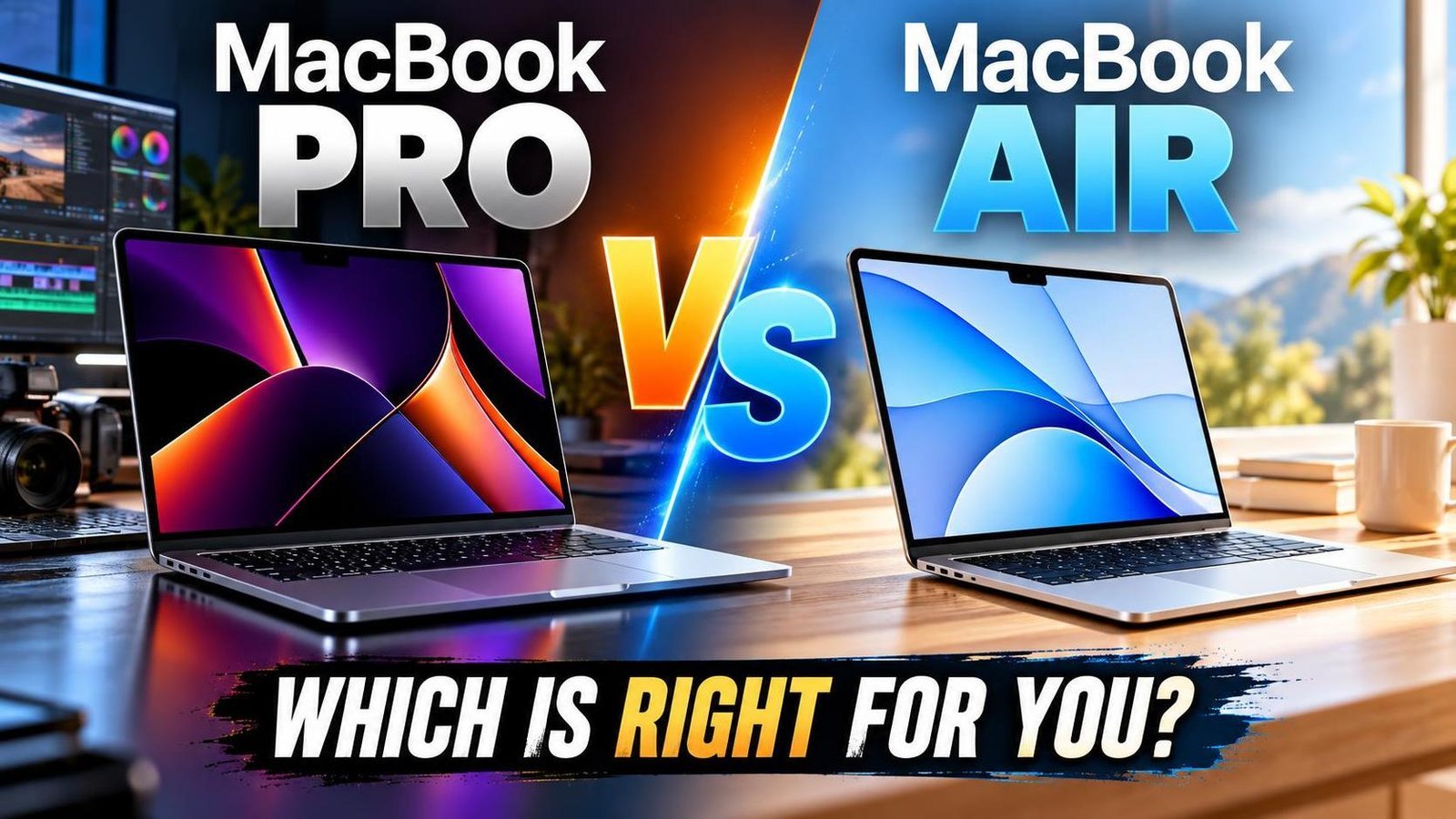
MacBook Pro M5 Review: Next-Level Performance in a 14-inch Powerhouse
At first glance, the MacBook Pro M5 looks almost identical to its predecessor. Apple kept the same chassis, Liquid Retina XDR display, and familiar port selection. Yet beneath that familiar exterior lies one of the most meaningful upgrades Apple has delivered to its base MacBook Pro in years: the new M5 chip. This model is not a cosmetic refresh; it is a performance-focused update that makes the 14-inch MacBook Pro significantly more capable without raising the starting price.
Apple has not yet released M5 Pro or M5 Max variants, so this MacBook Pro is currently the only Mac showcasing the latest silicon. That puts the spotlight squarely on performance, efficiency, and AI capabilities. For professionals, creators, and power users, the question is whether the internal leap justifies an upgrade. This review breaks down what is new, what stayed the same, and who should buy it.
What’s New and What Hasn’t Changed
The biggest change is the M5 chip. Apple retained the premium aluminum body, ProMotion display, Magic Keyboard, and trackpad that users already trust. Port selection remains familiar, including Thunderbolt 4, HDMI, SD card slot, and MagSafe charging. Apple’s approach is deliberate: refine what works and focus on raw power.
For users who care more about performance than cosmetic updates, this trade-off makes sense. The design is proven, durable, and professional. The real innovation is inside, where the M5 transforms the laptop into a far more capable system.
Apple M5 Chip Explained
The M5 is built on a more advanced 3-nanometer process and features a 10-core CPU combining performance and efficiency cores. This allows the MacBook Pro to scale from light everyday tasks to demanding professional workloads. Multitasking feels smoother, exports are faster, and the system remains responsive under pressure.
Graphics performance sees a major leap. Apple reworked the GPU architecture, adding faster shader cores, next-generation ray tracing, and dedicated Neural Accelerators in each GPU core. This improves image processing, video effects, and gaming. Memory bandwidth has also increased, helping large files move efficiently. Combined with unified memory, the base MacBook Pro punches above its weight.
Real-World Performance
In daily use, the MacBook Pro M5 feels instantly responsive. Apps launch quickly, and switching between heavy workloads is effortless. Web browsing with many tabs, productivity apps, and multiple external displays run smoothly.
Content creators see clear gains. Photo editing, video rendering, and design work complete faster than on the M4 generation. Final Cut Pro and Adobe Premiere exports take less time, and Photoshop operations feel smoother. Gaming also improves, with modern titles running at playable frame rates at moderate settings. AI-driven features such as image enhancement and background removal run faster and more reliably, preparing the machine for next-generation software.
Storage and Memory Performance
Apple significantly improved SSD speeds. Large files copy faster, apps load quicker, and workflows involving frequent read and write operations feel smoother. This is especially valuable for professionals working with high-resolution photos, large video projects, or complex design files.
Unified memory allows the CPU, GPU, and AI engines to share the same pool, moving data efficiently. Demanding applications stay responsive without the slowdowns common on traditional laptops. Together, faster storage and memory performance deliver a fluid experience beyond benchmark numbers.
Display Experience
The 14.2-inch Liquid Retina XDR display remains a standout. With a resolution of 3024 by 1964 pixels, text is sharp and visuals are detailed. ProMotion scales up to 120Hz for smooth scrolling and video playback. Everyday brightness reaches around 500 nits, while HDR content peaks much higher thanks to mini-LED backlighting. Color accuracy is excellent, with wide DCI-P3 coverage for photo and video work.
The optional nano-texture glass reduces reflections and glare, helpful for users working under strong lighting. While it costs extra, it improves visibility without sacrificing sharpness or color. Overall, the display is among the best available on a laptop.
Keyboard, Trackpad, and Audio
The Magic Keyboard offers comfortable typing with satisfying travel and tactile feedback, suitable for long sessions. Single-zone white backlighting adjusts automatically in low light. The large Force Touch trackpad registers clicks across its entire surface and supports fluid gestures like swiping, pinch-to-zoom, and scrolling.
Audio is impressive for a compact laptop. The six-speaker system supports Dolby Atmos and Spatial Audio, delivering rich, balanced sound with strong bass and minimal distortion at high volumes. Music, movies, and video calls all benefit.
Battery Life and Thermals
The MacBook Pro M5 uses a 72.4Wh battery and the efficient M5 chip to deliver around 18 hours of typical use. This makes it ideal for professionals who travel or work on the go. Despite strong performance, the laptop stays cool and quiet.
The active cooling system uses a single fan and heat pipe. Under sustained heavy workloads, the M5 can reach high temperatures and may temporarily adjust performance to maintain quiet operation. The keyboard and trackpad remain comfortable, and the laptop works well on a desk or lap.
Software and macOS Features
The MacBook Pro M5 runs macOS Tahoe, featuring a Liquid Glass design with transparent menus and customizable widgets. Productivity improves with upgraded Spotlight, allowing actions like sending messages or creating notes directly from search. Enhanced Continuity lets users manage calls, voicemails, and Live Activities from an iPhone.
Apple Intelligence features run on-device, enabling text rewriting, image generation, object removal, and real-time translation. Shortcuts can automate tasks like meeting summaries. Professional software such as Adobe Premiere Pro, Final Cut Pro, DaVinci Resolve, and Blender runs faster, handling 4K and 8K projects efficiently. Most AI processing stays on-device, preserving privacy.
Upgradeability and Configuration
RAM and storage are fixed to the motherboard, so upgrades after purchase are not possible. Buyers should choose carefully. Options include 16GB or 32GB of unified memory and storage from 512GB to 1TB or more. Selecting the right configuration ensures the machine meets long-term needs, though higher specs increase cost.
Final Verdict: Who Should Choose the MacBook Pro M5?
The MacBook Pro M5 is a powerful, versatile laptop combining the new M5 chip, faster SSD, improved GPU, long battery life, excellent display, high-quality audio, and comfortable keyboard. It handles professional workloads, creative projects, and everyday tasks smoothly.
It is a strong choice for users who need more performance than a MacBook Air, require multiple ports, or want a high-quality display and speakers. It is future-ready, with enough power for demanding apps for years. Plan your configuration carefully, as upgrades increase price. For those seeking performance, portability, and reliability within Apple’s ecosystem, the MacBook Pro M5 delivers clear value.
Frequently Asked Questions
Is the MacBook Pro M5 worth upgrading from the M4?
If you rely on AI features, graphics performance, or faster storage, the M5 offers a meaningful upgrade. Casual users may not notice a huge difference in everyday tasks.
Can I upgrade RAM or storage later?
No. Memory and storage are fixed, so choose the right configuration at purchase.
How long does the battery last?
Typical usage yields around 18 hours, depending on workload and settings.
Is it good for gaming?
It handles modern titles at moderate settings better than previous base models, but it is not a dedicated gaming laptop.
Who is this laptop best for?
Professionals, creators, and power users who need strong performance, a premium display, and long battery life in a portable package.

Jabir Al Shaker
Founder and editor of StartsNest. Technology writer and digital marketing specialist with expertise in mobile technology, consumer electronics, and online business strategies.
View all articles by Jabir Al Shaker →More to read
Xiaomi 13 Lite Review: Exceptional Design Meets Unbeatable Camera
The Xiaomi 13 Lite combines a slim 171g design, a 120Hz AMOLED display, a flagship-grade 50MP camera, dual selfie cameras, and 67W fast charging into an appealing mid-range package.
Xiaomi 13 Ultra Review: What is so Ultra?
The Xiaomi 13 Ultra packs a 50MP 1-inch Leica camera, Snapdragon 8 Gen 2, a 6.73-inch LTPO OLED display, and a 5000mAh battery with 90W charging into a premium IP68 body. Here is whether it lives up to the hype.
Xiaomi 13T Review: New MidRange King?
The Xiaomi 13T brings a vegan leather design, 144Hz display, Dimensity 8200-Ultra performance, and Leica-tuned cameras to the mid-range. Here is whether it earns the mid-range crown.
Comments (0)
No comments yet. Be the first to share your thoughts!