
MacBook Air vs MacBook Pro: Which One Should You Buy?
A clear, practical comparison of the MacBook Air and MacBook Pro across design, performance, display, ports, battery, and value to help you choose the right Apple laptop.
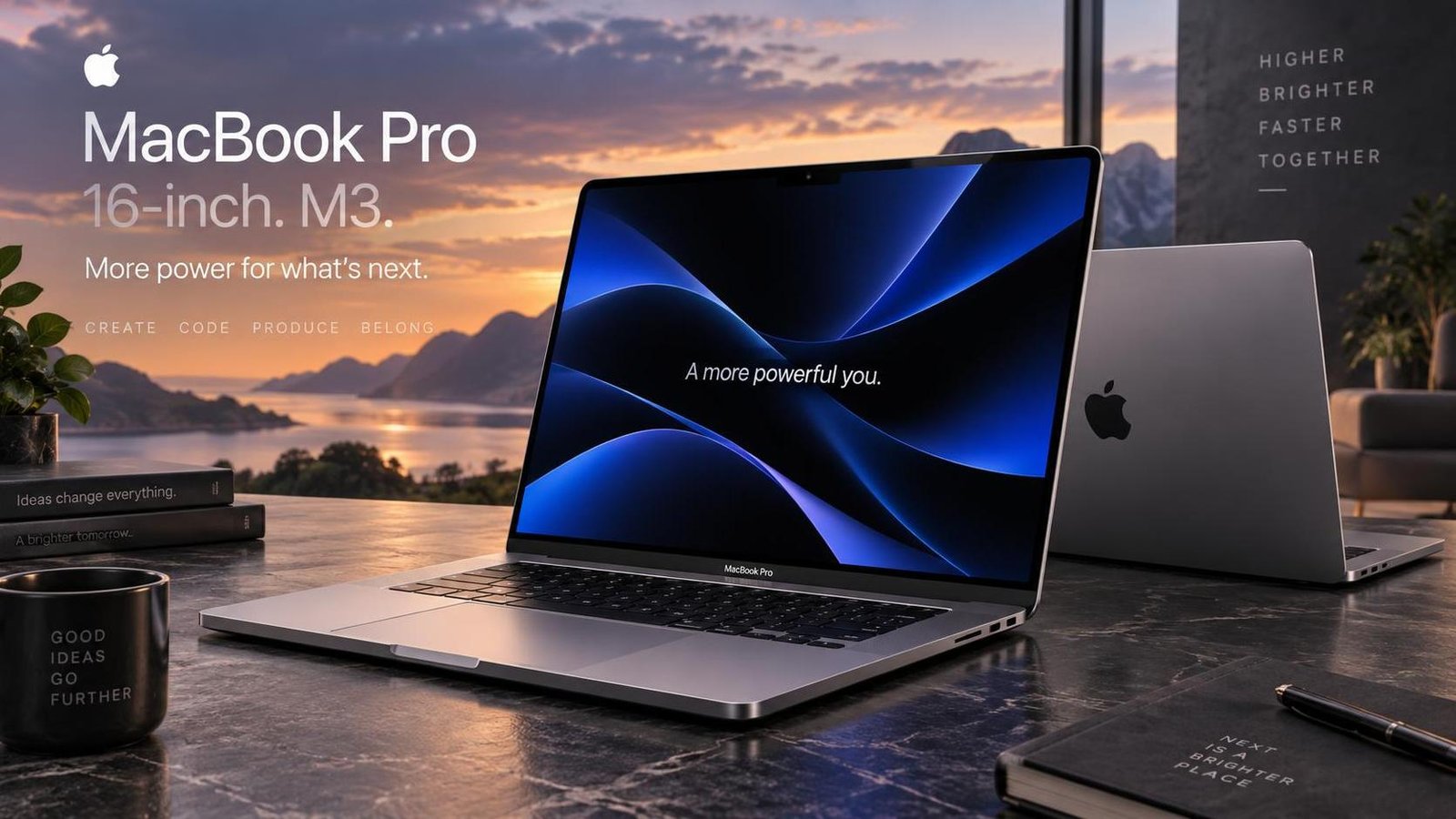
MacBook Air vs MacBook Pro: Which One Should You Buy?
Choosing between the MacBook Air and the MacBook Pro is the most common dilemma for anyone entering Apple's laptop lineup. Both are excellent machines, both run macOS, and both use Apple's efficient silicon. Yet they are built for different people. The MacBook Air is designed around portability and everyday efficiency, while the MacBook Pro is built to sustain demanding, professional workloads. Picking the wrong one does not mean buying a bad laptop; it means paying for power you will never use, or buying a machine that struggles the moment your work gets heavy.
This guide compares the current MacBook Air and MacBook Pro across design, performance, display, ports, battery life, and value, then helps you match the right model to your actual workflow.
The Core Difference in One Sentence
The MacBook Air is the best laptop for most people; the MacBook Pro is the right tool for professionals who need sustained performance, better thermals, and more connectivity. Everything else is detail.
Design and Portability
The MacBook Air earns its name. It is thin, light, and easy to carry all day. The 15-inch model weighs around 1.51 kg and measures just 1.15 cm thick, slipping into a backpack without adding noticeable bulk. It comes in four colors, including Starlight and Midnight, which gives buyers more personality than most laptops offer. The aluminum unibody feels premium and resists flex, even though the chassis is slim.
The MacBook Pro is slightly heavier at roughly 2.15 kg and 1.68 cm thick. That extra size is not wasted; it houses a larger battery, better cooling, and more ports. It is still portable enough for daily commuting, but it is clearly built for a desk first and a bag second. Color options are limited to Silver and Space Black, reflecting its professional positioning.
Which Feels Better to Carry?
If you move between classes, meetings, or cafes every day, the Air's lighter weight is genuinely noticeable. If your laptop mostly stays on a desk and only travels occasionally, the Pro's extra heft will not bother you.
Performance and Chips
Performance is where the two machines diverge most. The MacBook Air runs on Apple's M3 chip, which is fast, efficient, and more than capable for browsing, office work, coding, light photo editing, and even moderate video editing. Because the Air is fanless, it stays completely silent, but it can throttle under prolonged heavy loads as heat builds up.
The MacBook Pro uses the M4 family, including M4, M4 Pro, and M4 Max. These chips add more CPU and GPU cores, larger memory bandwidth, and dedicated media engines. The Pro also has active cooling with dual fans, so it can sustain peak performance for long rendering, encoding, or compilation sessions without slowing down. For 4K and 8K video editing, 3D rendering, large software builds, and machine learning work, the Pro is in a different league.
Real-World Translation
For everyday tasks, both feel instant. The difference appears when you export a long video, compile a large project, or run heavy creative software for an hour. The Air handles bursts well; the Pro handles marathons.
Display Quality
The MacBook Air uses a 15.3-inch Liquid Retina display with 500 nits of brightness and a 60 Hz refresh rate. It is sharp, color-accurate enough for general use, and comfortable for long reading sessions. The MacBook Pro steps up to a 16.2-inch Liquid Retina XDR mini-LED panel with 1600 nits peak HDR brightness and a 120 Hz ProMotion refresh rate. The result is deeper blacks, brighter highlights, smoother scrolling, and far better HDR video playback.
For writers, students, and office users, the Air's display is excellent. For photographers, videographers, and anyone who cares about color and contrast, the Pro's panel is a meaningful upgrade.
Ports and Connectivity
Port selection is a practical differentiator. The MacBook Air offers two Thunderbolt/USB 4 ports, MagSafe charging, and a headphone jack. That is enough for light use but often requires dongles for external displays, card readers, or multiple accessories.
The MacBook Pro includes three Thunderbolt 4/5 ports, HDMI 2.1, an SDXC card slot, MagSafe, and a headphone jack. Thunderbolt 5 on the M4 Pro and Max models delivers up to 120 Gbps transfer speeds, which matters for moving large media files quickly. If your workflow involves cameras, external monitors, or many peripherals, the Pro removes friction.
Battery Life
Both laptops offer strong battery life, but the Pro leads. The MacBook Air delivers up to 18 hours of mixed use, which is already excellent. The MacBook Pro reaches up to 24 hours depending on the model, thanks to its larger battery and efficient silicon. For most users, either will last a full workday; for frequent travelers who cannot charge often, the Pro's extra hours are reassuring.
Price and Value
The MacBook Air is the better value for the majority of buyers. You get premium build quality, strong performance, and all-day battery at a lower price. The MacBook Pro costs more, but that premium buys sustained performance, a superior display, more ports, and longer battery life. The right question is not which is cheaper, but which capabilities you will actually use. Paying for Pro performance you never stress is wasted money; buying an Air for heavy creative work means frustration later.
Who Should Buy Which
Choose the MacBook Air if you:
- Write, browse, study, or do office work most of the day.
- Want the lightest, thinnest Apple laptop.
- Edit photos or light video occasionally.
- Travel frequently and value battery life and portability.
- Want strong performance without paying a premium.
Choose the MacBook Pro if you:
- Edit 4K or 8K video, render 3D, or compile large codebases.
- Need accurate color and high brightness for creative work.
- Use many peripherals, external displays, or SD cards.
- Run demanding software for hours at a time.
- Want the best display and longest battery Apple offers.
FAQ
Is the MacBook Air powerful enough for video editing?
Yes for light to moderate editing, especially 1080p and basic 4K. For long, complex 4K or 8K projects with heavy effects, the MacBook Pro is the better choice.
Does the MacBook Air have a fan?
No. The MacBook Air is fanless, so it runs silently. Under sustained heavy loads it may throttle slightly to manage heat.
Which has better battery life?
The MacBook Pro offers up to 24 hours versus up to 18 hours on the MacBook Air, though real-world results depend on workload and settings.
Can the MacBook Air connect to an external monitor?
Yes, but with fewer ports. You may need a dongle or hub, while the Pro supports more displays directly through its additional ports.
Is the MacBook Pro worth the extra cost?
It is worth it if you need sustained performance, a premium display, or extra ports. For everyday tasks, the Air delivers better value.
Which is better for students?
The MacBook Air is usually the better student laptop thanks to its lower price, lighter weight, and long battery life.

Jabir Al Shaker
Founder and editor of StartsNest. Technology writer and digital marketing specialist with expertise in mobile technology, consumer electronics, and online business strategies.
View all articles by Jabir Al Shaker →More to read
Xiaomi 13 Lite Review: Exceptional Design Meets Unbeatable Camera
The Xiaomi 13 Lite combines a slim 171g design, a 120Hz AMOLED display, a flagship-grade 50MP camera, dual selfie cameras, and 67W fast charging into an appealing mid-range package.
Xiaomi 13 Ultra Review: What is so Ultra?
The Xiaomi 13 Ultra packs a 50MP 1-inch Leica camera, Snapdragon 8 Gen 2, a 6.73-inch LTPO OLED display, and a 5000mAh battery with 90W charging into a premium IP68 body. Here is whether it lives up to the hype.
Xiaomi 13T Review: New MidRange King?
The Xiaomi 13T brings a vegan leather design, 144Hz display, Dimensity 8200-Ultra performance, and Leica-tuned cameras to the mid-range. Here is whether it earns the mid-range crown.
Comments (0)
No comments yet. Be the first to share your thoughts!