
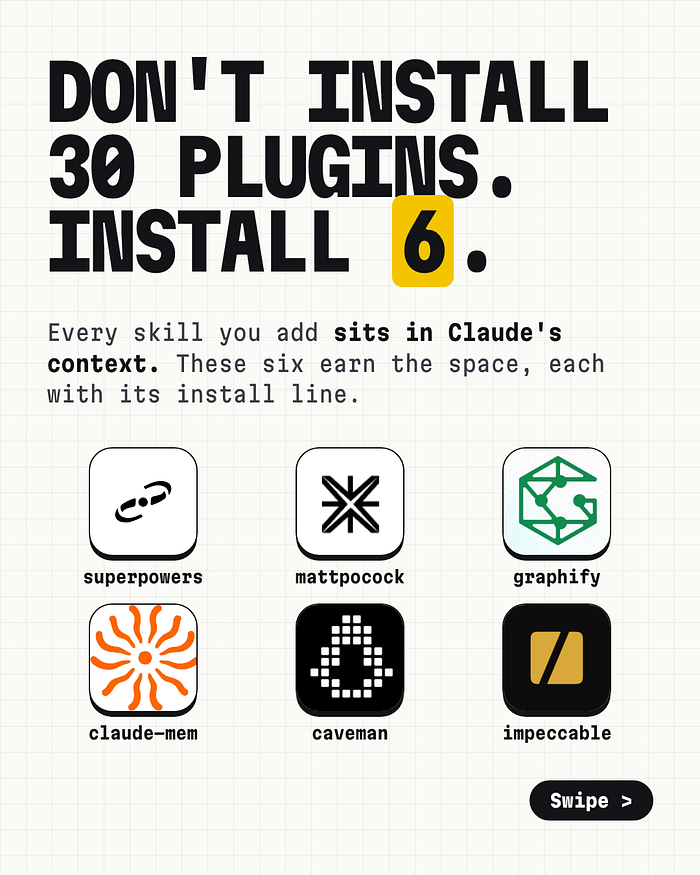
Don’t install 30 Claude Code plugins. Install these 6.
Just now > _Every plugin you add costs you context, and some of them run code on your machine. Here are six that pay for it: what each one does under the hood, the command to try first, when to skip i...
Just now
> _Every plugin you add costs you context, and some of them run code on your machine. Here are six that pay for it: what each one does under the hood, the command to try first, when to skip it, and how to tell in a week whether it earned its place._
Last week a post listing “the top 30 Claude plugins on GitHub” went around LinkedIn. It pulled 842 reactions and 155 comments. The list was fine. The comments were better.
One reader wrote: “Installing 30 plugins just to feel productive is a trap in itself.” Another pointed out that a popular skill can still pull a big chunk into context on every turn. A third said to audit every third-party skill before giving it access to your codebase.
They’re right. I went through all six of my picks, read each README, and checked what each plugin does when it’s installed. This article is the long version of a carousel I posted. It covers how each plugin works, the first command to run, and the trade-offs the star counts don’t show.
What a plugin costs you
A Claude Code plugin is a bundle. It can hold skills, hooks, slash commands, and MCP servers. Each part has a different cost.
Skills cost context. Claude Code loads the name and description of every installed skill at the start of a session. That’s how it knows a skill exists and when to use it. The full instructions load only when the skill fires. So one skill is cheap, but thirty skill descriptions sit in front of every question you ask. Run `/context` in a session to see what’s taking up space.
Hooks cost trust. A hook is a command that runs on an event: session start, every prompt, before or after every tool call. It runs on your machine, with your permissions, every time. You don’t call it. It calls itself.
Overlap costs quality. Two plugins that both teach Claude how to plan will both fire. Claude then has two sets of instructions for the same job, and you can’t tell which one shaped the result.
So I didn’t ask “which plugins are popular?” I asked “which plugins fix a specific failure, and earn the context and access they take?” I picked one per job. Star counts come from the GitHub API on November 2, 2026. Install lines come from each repo’s README.
1. Superpowers: make Claude plan before it codes
Repo:`obra/superpowers` · 310.7k stars · Job: process
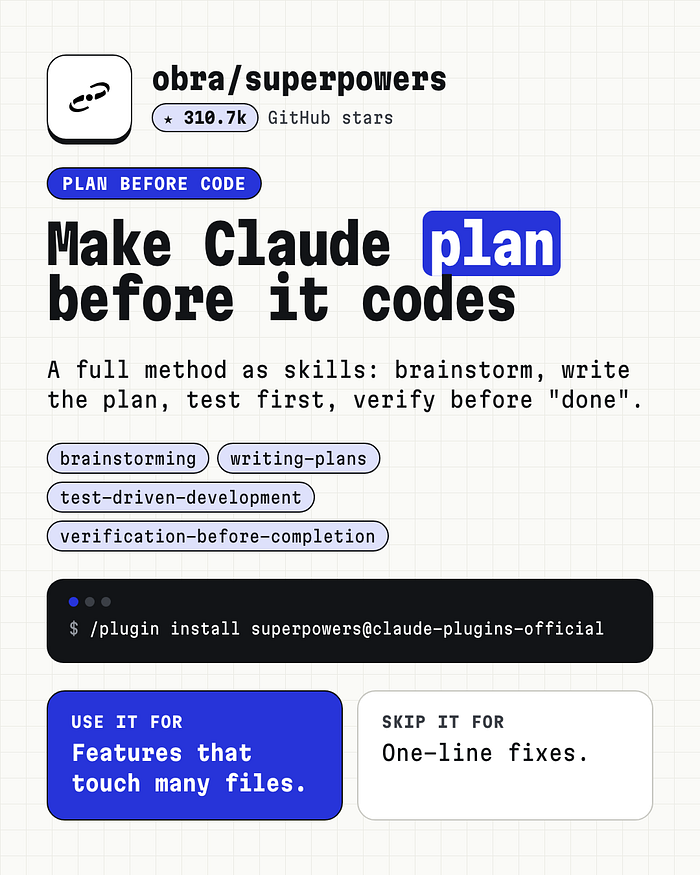
The failure it fixes. You ask for a feature. Claude starts writing code in the first reply, guesses at what you meant, and builds the wrong feature well.
How it works. Superpowers is a full development method written as skills. The skills trigger on their own, in order:
- `brainstorming` fires before anything gets built. It asks questions until it understands what you want and why, then plays it back for you to correct.
- `using-git-worktrees` creates an isolated branch and checks the tests pass before any change.
- `writing-plans` breaks the approved design into tasks of two to five minutes each, with exact file paths and verification steps.
- `subagent-driven-development` hands each task to a fresh subagent and reviews the result. `executing-plans` is the cheaper option: one session, one review at the end.
- `test-driven-development` enforces red, green, refactor. It deletes code written before its test.
- `finishing-a-development-branch` checks the tests, then offers merge, PR, keep, or discard.
The README says the agent often works on its own “for a couple hours at a time without deviating from the plan.”
Install:
/plugin install superpowers@claude-plugins-official
Try this first. Describe a feature that touches three or more files and let the brainstorming skill question you. Don’t skip ahead to code.
Use it for features that cross many files. Skip it for one-line fixes; a design doc and a test suite for a typo is overhead.
Watch out for token spend on long runs. Subagent-per-task review is thorough and costs more. If a session misbehaves, ask Claude to “figure out what went wrong with superpowers in this session.” The `diagnosing-superpowers` skill reads the transcript and reports what happened.
2. Matt Pocock’s skills: get grilled before you build
Repo:`mattpocock/skills` · 309.4k stars · Job: alignment
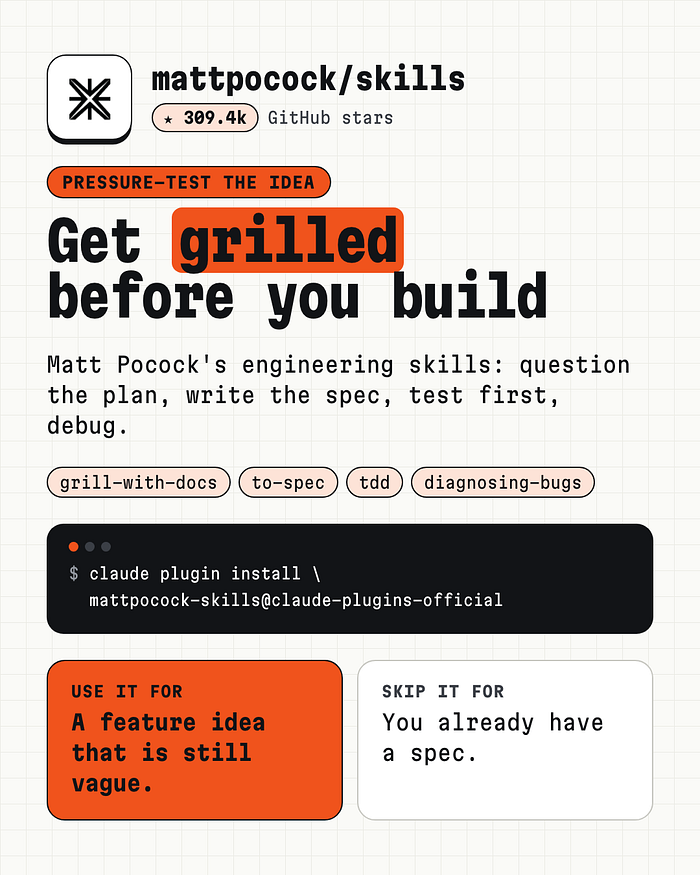
The failure it fixes. Matt Pocock names it directly in his README: “The most common failure mode in software development is misalignment.” You think the agent understands. Then you see what it built.
How it works. Where Superpowers owns the whole process, these skills are small and composable. Pocock says frameworks that own the process “take away your control and make bugs in the process hard to resolve.” The ones I’d start with:
- `/grill-with-docs` interviews you about the change before any code exists. It also builds a shared glossary for your project and records hard decisions as ADRs.
- `/to-spec` turns the conversation into a spec.
- `/tdd` runs a red-green-refactor loop with guidance on good and bad tests.
- `/diagnosing-bugs` wraps debugging in a gated, phase-by-phase loop.
The glossary is the underrated part. His example: “a lesson inside a section of a course is made ‘real’ (i.e. given a spot in the file system)” becomes “the materialization cascade.” Shorter words in the conversation mean fewer tokens in every session after.
Install:
claude plugin install mattpocock-skills@claude-plugins-official
Then run `/setup-matt-pocock-skills` once per repo. It asks which issue tracker you use, which triage labels you apply, and where to save docs.
Try this first. Before your next feature, run `/grill-with-docs` and answer every question it asks.
Use it for a feature idea that’s still vague. Skip it for work that already has a written spec.
Watch out for overlap with Superpowers. Both plan, both test first. Pick the style that fits you: Superpowers if you want the agent to run the process, Pocock’s skills if you want to stay in control of each step.
3. Graphify: give Claude a map of your repo
Repo:`Graphify-Labs/graphify` · 140.6k stars · Job: understanding
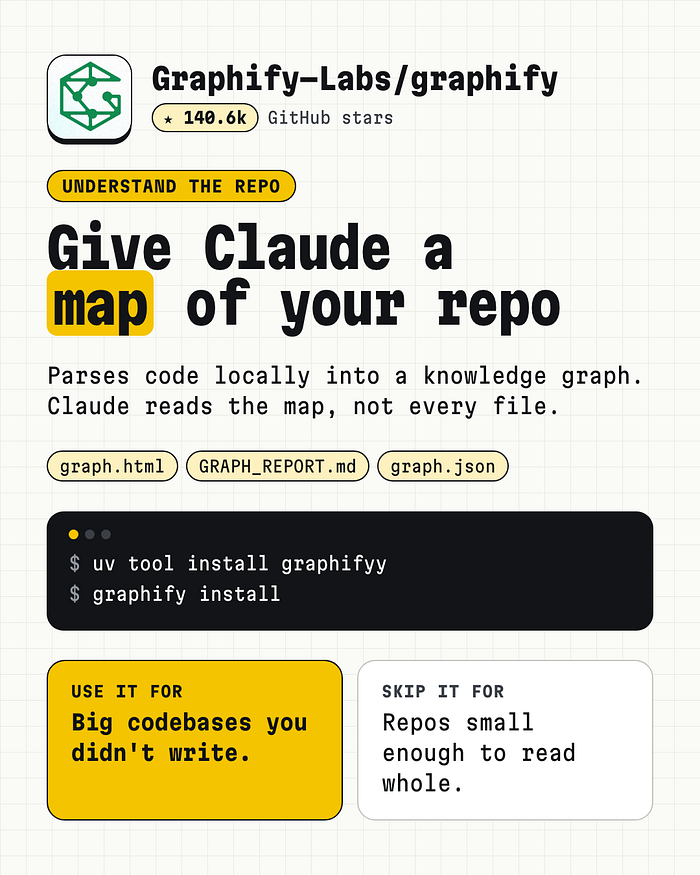
The failure it fixes. In a codebase it doesn’t know, Claude explores the slow way. It greps, opens a file, greps again, and burns context on files it didn’t need.
How it works. Graphify parses your code with tree-sitter into a knowledge graph. Code parsing is deterministic and local: no LLM, nothing leaves your machine. It resolves calls, imports, and inheritance across about 40 languages. Every edge is tagged `EXTRACTED` (written in the source) or `INFERRED` (resolved by Graphify), so you know which links to trust. It isn’t a vector index; there are no embeddings.
It writes three files to `graphify-out/`:
- `graph.html`, a clickable map you open in a browser
- `GRAPH_REPORT.md`, the key concepts and suggested questions; Claude reads this first
- `graph.json`, the full graph, queryable without re-reading your files
Install (needs Python 3.10+; note the double “y”):
uv tool install graphifyy
graphify install
Then, inside Claude Code: `/graphify .`
Try this first. Once the graph exists, ask it questions instead of grepping:
graphify explain "PaymentService"
graphify path "CheckoutController" "LedgerEntry"
graphify query "where do refunds get validated?"
`path` shows the shortest chain between two parts of your code and how confident each hop is.
Use it for big codebases you didn’t write. Skip it for repos small enough for Claude to read whole; building the map costs more than it saves.
Get Kushal Banda’s stories in your inbox
Join StartsNest for free to get updates from this writer.
Remember me for faster sign in
Watch out for non-code files. Docs, PDFs, images, and video get a semantic pass that uses your assistant’s model or an API key you configure. Only the code pass is free and local.
4. Claude-Mem: remember what last session learned
Repo:`thedotmack/claude-mem` · 109.6k stars · Job: memory
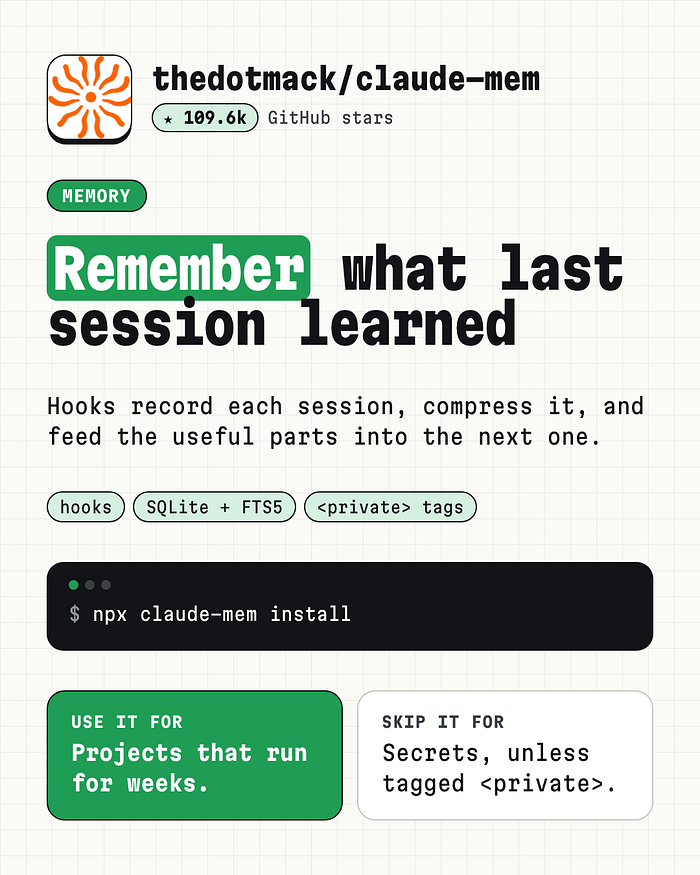
The failure it fixes. Every session starts cold. You re-explain the same project, the same decisions, the same bug you fixed on Tuesday.
How it works. Claude-Mem hooks into six points of a session: `SessionStart`, `UserPromptSubmit`, `PreToolUse`, `PostToolUse`, `Stop`, and `SessionEnd`. It records what happens, compresses it, and stores it in a local SQLite database, with a Chroma vector store for semantic search. A small local worker serves a web viewer where you can browse what it saved.
Retrieval is the clever part. Instead of loading all memory, Claude searches in three steps through MCP tools:
1. `search` returns a compact index, about 50 to 100 tokens per result.
2. `timeline` shows what was happening around a result.
3. `get_observations` fetches full details only for the IDs that matter, about 500 to 1,000 tokens each.
The README claims about 10x token savings from filtering before fetching. That’s the author’s number.
Install:
npx claude-mem install
Restart Claude Code. Context from earlier sessions shows up in new ones automatically.
Try this first. Work on a project for two sessions, then open the web viewer and check what it captured. If it’s noise, it’ll be noise in your context too.
Use it for projects that run for weeks. Skip it for sessions that handle secrets, unless you wrap them in `
Watch out for where your memory lives. Claude Code storage is local, but on some hosts, such as Grok Bot, the default is a hosted service called CMEM Pro. Cloud Sync and screenshot capture are opt-in. Read the configuration page before you point it at client work.
5. Caveman: same answers, fewer words
Repo:`JuliusBrussee/caveman` · 116.7k stars · Job: token cost
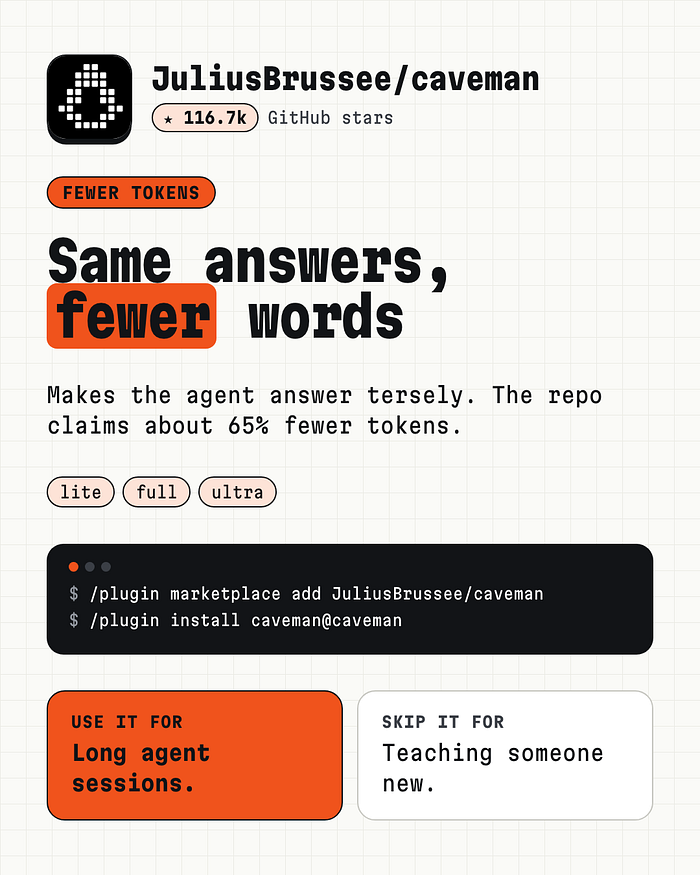
The failure it fixes. Agents pad. “The reason your React component is re-rendering is likely because…” when “New object ref each render, so React re-renders. Wrap the prop in `useMemo`” says the same.
How it works. Caveman started as a skill that makes the agent answer tersely. The rules: answer first, one idea per sentence, never drop “not” or “never,” keep code and error messages character for character. It switches back to full sentences for security warnings and irreversible actions. Version 4.0 grew into six parts. Besides the short voice, it shrinks logs and test output before the model reads them, and it can pick the model and effort for each request.
The README is unusually honest about numbers. Against no instruction at all, the savings look huge. Against a plain “Answer concisely.” prompt, `/caveman` saves about 3% more output and `/ultracave` about 35% more. The rules cost about 1,160 tokens of input. If you pay per request, not per token, shorter answers save you nothing. Treat the “65% fewer tokens” line in the repo description as the best case.
Install (the plugin only):
/plugin marketplace add JuliusBrussee/caveman
/plugin install caveman@caveman
The full 4.0 install, with the input compression, is `npx @caveman-ai/cli@latest`.
Try this first. Type `/caveman` in a long debugging session. Say `stop caveman` to go back.
Use it for long agent sessions where output tokens add up. Skip it for teaching someone new; terse answers assume you know the background.
Watch out for stacking it with other plugins that rewrite output. Measure one at a time.
6. Impeccable: stop shipping AI-looking UI
Repo:`pbakaus/impeccable` · 99.5k stars · Job: design
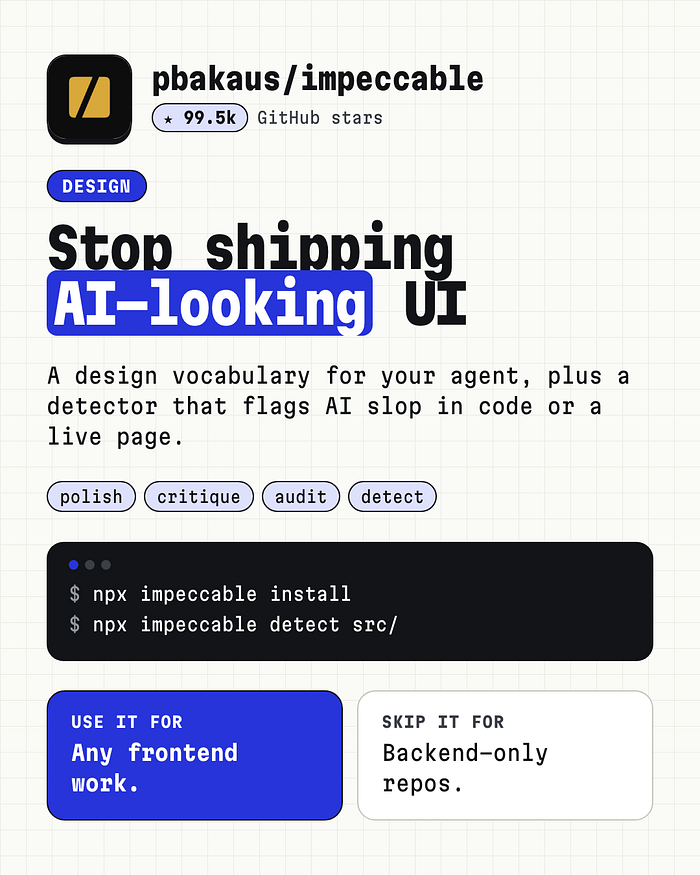
The failure it fixes. The README lists the tells: “Inter for everything. Purple-to-blue gradients. Cards nested in cards, gray text on colored backgrounds, a rounded-square icon tile above every heading.” Ask an agent for a page with no guidance and you get this, every time.
How it works. Impeccable gives your agent words for design moves. `bolder` and `quieter` steer. `critique` scores a design against usability heuristics. `audit` checks accessibility, performance, theming, and responsive behavior, ranked from P0 to P3. There are 24 commands in total. Run `/impeccable init` once per project and it writes a `PRODUCT.md` that every later command reads.
It also ships a detector: 62 deterministic rules, no LLM, no API key. The installer offers a design hook that scans every UI file the agent edits before it calls the work done. Accept it; that’s where most slop gets caught.
Install:
npx impeccable install
Try this first. Point it at one component, not a whole page:
/impeccable critique the pricing cards
Then run the detector in your terminal or CI:
npx impeccable detect src/
npx impeccable detect http://localhost:5173
Scanning a URL catches problems that only appear once the page renders, like low contrast and tiny text. Exit code `2` means findings, so it works as a CI gate.
Use it for any frontend work. Skip it for backend-only repos.
Watch out for live mode in unfamiliar repos. Applying edits runs your project’s optional `impeccable:manual-edit-validate` script with your permissions.
How to test a plugin in one week
Stars tell you what’s popular. They don’t tell you what works in your repo. Here’s the test I use:
1. Measure a normal week first. Note what you shipped, how many sessions it took, and your token use.
2. Install one plugin. Run `/context` before and after to see what it added.
3. Work normally for a week. Don’t change anything else.
4. Compare. Did the same kind of work take fewer sessions, fewer tokens, or fewer fixes? Did you call the plugin at all?
5. Keep it or remove it. No change means remove it. Its descriptions still sit in every session.
Three rules sit on top of that:
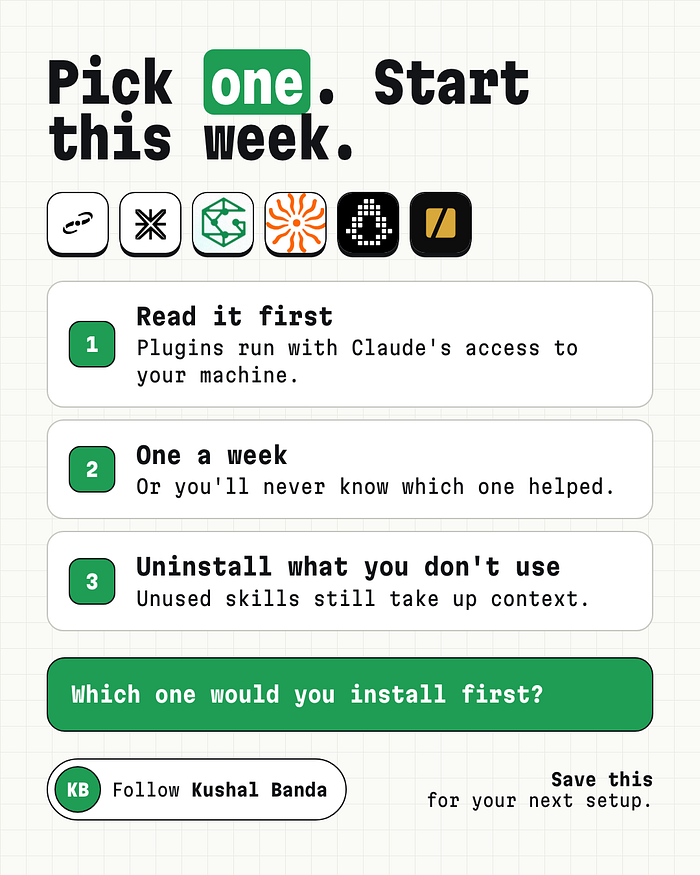
- Read it first. Open the repo. Read the hooks and any install scripts. A plugin runs with Claude’s access to your machine.
- Add one a week. Install six at once and you’ll never know which one helped.
- Uninstall what you don’t use. If you haven’t called it in a month, remove it.
Pick one
Start with the row that matches your week:
- Building something big? Superpowers, or Matt Pocock’s skills if you want more control.
- Lost in a codebase you didn’t write? Graphify.
- Re-explaining the same project every morning? Claude-Mem.
- Burning tokens on long sessions? Caveman.
- Shipping a frontend? Impeccable.
Which one would you install first?
Follow me here on StartsNest for more Claude Code deep dives, or connect on LinkedIn.
Frequently Asked Questions
What is Don’t install 30 Claude Code plugins. Install these 6. about?
Just now > _Every plugin you add costs you context, and some of them run code on your machine. Here are six that pay for it: what each one does under the hood, the command to try first, when to skip i...
Which category does this article belong to?
This article is part of our Design collection on StartsNest.
Is this content free to read?
Yes, all articles on StartsNest are free to read. No registration required.

Daniel Reyes
Daniel Reyes is a software engineer and tech industry analyst with 8 years of experience in consumer electronics, charging technology, and mobile accessories. He specializes in breaking down complex technical specifications into accessible guides. His work focuses on USB-C, GaN charging, and power delivery standards.
View all articles by Daniel Reyes →More to read
Top 7 Python CLI Tools That Automate the Boring Stuff in 2026 (#1 Finds Bugs First)
Stop rewriting the same setup script: seven free Python CLI tools that handle linting, packaging, scraping, and bug hunting. Just now Every Python project starts the same way. Image by Rishi Banota Yo...
Membuat Program Kalkulator Bangun Ruang dengan Python: Solusi Tugas Pemrograman
“Program kalkulator sederhana dari meja mahasiswa baru” Just now -- -- Halo semuanya! Pada kesempatan kali ini, saya akan membagikan tutorial sekaligus penjelasan mengenai source code (kode program) u...
I Built JavaScript Automation Systems That Can Generate Income While I Focus on Bigger Projects
Just now From browser automation and API integrations to SaaS products and workflow automation, here are practical ways I use JavaScript to turn programming skills into valuable, income-generating sol...
Comments (0)
No comments yet. Be the first to share your thoughts!