
7 Best Touchscreen Laptops in Bangladesh 2026
Seven touchscreen laptops worth buying in Bangladesh in 2026, from lightweight OLED ultrabooks to creator machines, with specs, pros, cons and buying advice.
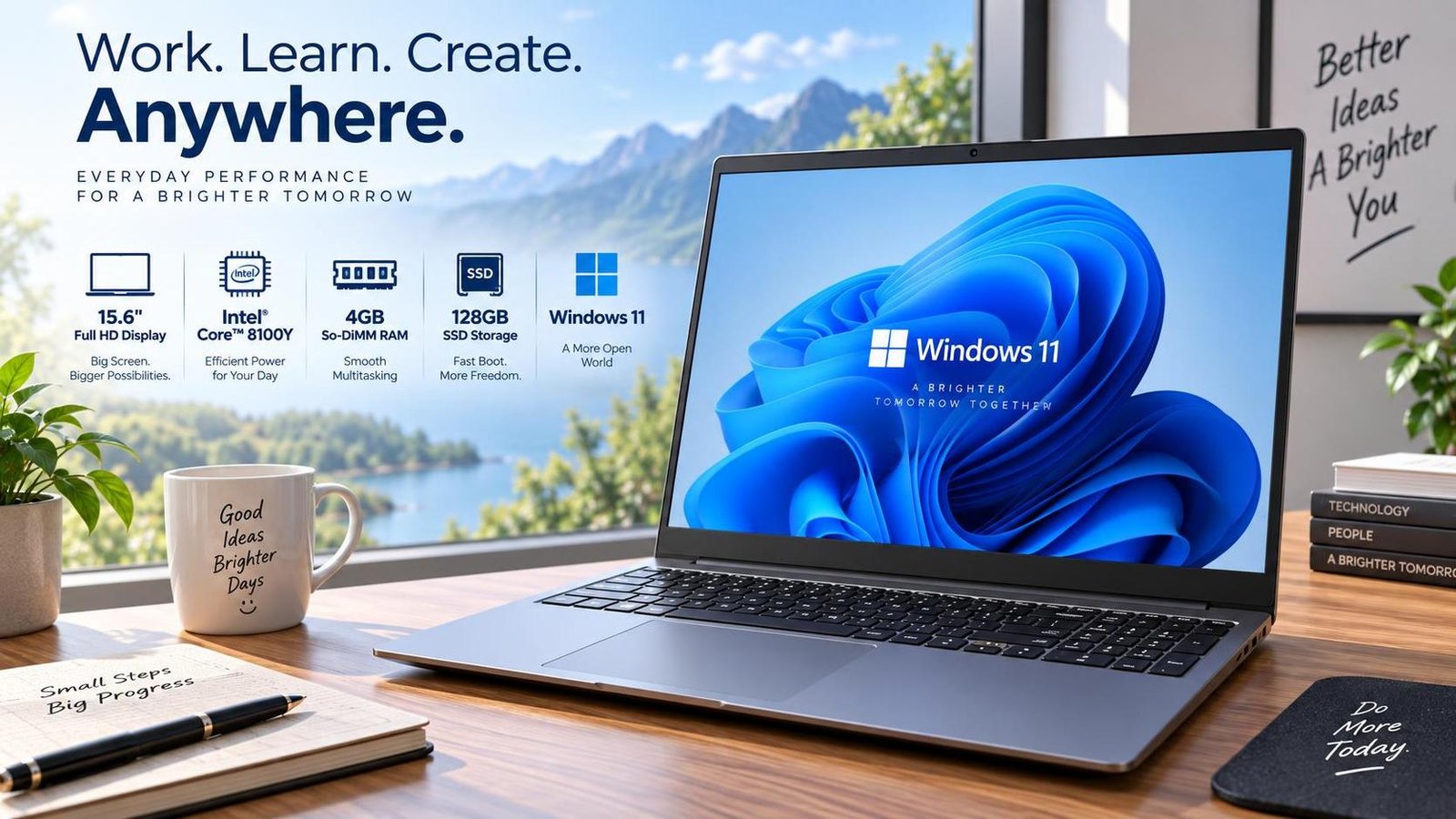
7 Best Touchscreen Laptops in Bangladesh 2026
A touchscreen laptop combines the precision of a traditional keyboard and trackpad with the immediacy of a tablet. In Bangladesh, where students, freelancers and professionals all juggle note-taking, presentations, design and entertainment, a good 2-in-1 or touch-enabled clamshell can genuinely change how you work. The market now offers everything from lightweight OLED ultrabooks to powerful creator machines, so choosing the right one comes down to matching the screen, processor, battery and build quality to your daily routine.
This guide reviews seven touchscreen laptops that are popular and relevant for Bangladeshi buyers in 2026. Each entry lists the key specifications, real-world strengths and honest limitations, followed by a buying checklist and a frequently asked questions section to help you decide with confidence.
Why Choose a Touchscreen Laptop?
Touch input is not just a gimmick. It makes scrolling through long documents, zooming into photos, annotating PDFs and sketching ideas feel natural. Many touchscreen laptops also fold into tablet mode, which is ideal for reading, watching videos or presenting to a client. With modern processors delivering strong battery life, the old trade-off between touch convenience and endurance has largely disappeared.
Key Factors to Consider
Display Quality
Look for at least a Full HD (1920 x 1200 or 1920 x 1080) panel. OLED screens offer deeper blacks and richer colors, while IPS panels tend to be brighter and more affordable. A glossy finish improves touch responsiveness but increases reflections, so consider where you usually work.
Processor and Graphics
For everyday tasks, a modern Intel Core Ultra 5 or AMD Ryzen 5 is plenty. Creative work such as photo editing or light video work benefits from a Core Ultra 7 and integrated Intel Arc or AMD Radeon graphics. Discrete GPUs are rare in thin touch laptops but appear in larger 15-inch models.
Battery Life and Portability
Aim for seven hours or more of real-world battery life if you move between classrooms, offices and cafes. Weight matters too: ultrabooks around 1.3 kg are easy to carry all day, while 1.8 kg machines feel noticeably heavier in a backpack.
RAM and Storage
8GB of RAM is the minimum for smooth multitasking in 2026, but 16GB is the safer long-term choice. A 512GB SSD is a sensible baseline, with 1TB preferred if you store large media files.
The 7 Best Touchscreen Laptops in Bangladesh 2026
1. ASUS Zenbook 14 Q415MA (Intel Core Ultra 5-125H)
The Zenbook 14 Q415MA is a sleek, featherweight machine that punches above its class. Its 14-inch OLED display at 1920 x 1200 delivers sharp, vibrant visuals, while the Intel Core Ultra 5-125H with Intel Arc Graphics handles productivity and light creative work smoothly. At just 1.28 kg, it is an easy everyday carry, and the IR camera makes video calls more convenient.
- Display: 14-inch OLED, 1920 x 1200
- Processor: Intel Core Ultra 5-125H
- Graphics: Intel Arc Graphics
- Memory: 8GB LPDDR5, 512GB PCIe 4.0 SSD
- Battery: Up to 7 hours
- Weight: 1.28 kg
Pros: Very light, excellent OLED screen, strong integrated graphics, IR camera.
Cons: 8GB RAM is modest, and the smaller screen is less immersive for movies.
2. HP Spectre x360 14 (Intel Core Ultra 7-155H)
The Spectre x360 14 is a premium 2-in-1 that feels as good as it looks. Its 14-inch 2.8K OLED panel at 2800 x 1800 is stunning for editing and media, and the Intel Core Ultra 7 155H with 16GB of LPDDR5x RAM keeps multitasking fluid. Security extras such as a fingerprint sensor and camera privacy shutter add peace of mind, and the 1TB SSD leaves room for large projects.
- Display: 14-inch 2.8K OLED, 2800 x 1800
- Processor: Intel Core Ultra 7 155H
- Graphics: Integrated Intel Arc Graphics
- Memory: 16GB LPDDR5x, 1TB PCIe Gen4 SSD
- Battery: Up to 8 hours
- Weight: 1.56 kg
Pros: Gorgeous high-resolution OLED, generous RAM and storage, premium build.
Cons: Integrated graphics limit heavy gaming.
3. HP Envy x360 14 (Intel Core 5 120U)
The Envy x360 14 targets users who want a refined, convertible laptop without flagship pricing. Its 14-inch Full HD IPS multitouch display is bright and responsive, and the Intel Core 5 120U with Intel Arc Graphics delivers dependable everyday performance. With 8GB DDR4 RAM and a 512GB SSD, it is well suited to students and office work, and the long battery life keeps you productive away from a socket.
- Display: 14-inch IPS multitouch, 1920 x 1080
- Processor: Intel Core 5 120U
- Graphics: Intel Arc Graphics
- Memory: 8GB DDR4, 512GB PCIe NVMe SSD
- Battery: Up to 8 hours
- Weight: 1.5 kg
Pros: Premium look, good webcam, long battery, value pricing.
Cons: Small screen may not suit users who want a larger viewing area.
4. Dell XPS 15 9530 (Intel Core i7-13700H)
The XPS 15 is the choice for creators who need a larger canvas. Its 15.6-inch FHD+ display can be configured with an OLED touch panel, and the 13th Gen Intel Core i7-13700H with up to 16GB or 32GB of DDR5 RAM handles heavy multitasking. The optional 4GB Intel Arc A370M graphics help with creative workloads, and the premium chassis feels built to last.
- Display: 15.6-inch FHD+ (optional OLED touch)
- Processor: Intel Core i7-13700H
- Graphics: Intel Arc A370M (4GB GDDR6)
- Memory: Up to 32GB DDR5, 512GB to 1TB SSD
- Battery: Up to 8 hours
- Weight: 1.86 kg
Pros: Brilliant optional OLED touch screen, strong performance, premium build.
Cons: Not ideal for high-resolution gaming.
5. Lenovo Yoga 9i 14 (Intel Core Ultra 7)
Lenovo's Yoga 9i is a stylish convertible known for its rotating soundbar hinge and vivid OLED display. Powered by an Intel Core Ultra 7 processor, it offers smooth performance for productivity and media, plus a comfortable keyboard and a responsive touch panel that works well with a stylus. It is a strong all-rounder for professionals who present and create on the go.
- Display: 14-inch 2.8K OLED touchscreen
- Processor: Intel Core Ultra 7
- Memory: 16GB LPDDR5x, 1TB SSD
- Battery: Up to 9 hours
- Weight: Around 1.4 kg
Pros: Premium design, excellent speakers, vivid OLED, stylus support.
Cons: Premium price point.
6. Microsoft Surface Laptop 5 (13.5-inch)
The Surface Laptop 5 delivers the classic, clean Surface experience with a responsive PixelSense touchscreen. An Intel Core i7-1255U processor keeps everyday tasks snappy, and the 3:2 aspect ratio screen is excellent for documents and web browsing. It is a favorite among students and office users who value simplicity, build quality and a great typing feel.
- Display: 13.5-inch PixelSense touchscreen, 2256 x 1504
- Processor: Intel Core i7-1255U
- Memory: 16GB RAM, 512GB SSD
- Battery: Up to 17 hours claimed
- Weight: Around 1.27 kg
Pros: Lightweight, excellent keyboard, sharp 3:2 screen.
Cons: Limited ports and modest graphics.
7. Acer Swift X 14 (Intel Core Ultra 7)
The Swift X 14 is a rare touch-capable laptop that also offers discrete graphics, making it appealing to creators on the move. With an Intel Core Ultra 7 processor and a dedicated NVIDIA GPU option, it handles photo and light video editing comfortably, while the high-resolution display keeps colors accurate. It strikes a balance between portability and power.
- Display: 14.5-inch high-resolution touchscreen
- Processor: Intel Core Ultra 7
- Graphics: Discrete NVIDIA option
- Memory: 16GB RAM, 1TB SSD
- Battery: Around 8 hours
- Weight: Around 1.5 kg
Pros: Discrete graphics in a portable body, color-accurate screen.
Cons: Runs warmer under sustained load.
Touchscreen Laptop Buying Checklist
- Decide between a 2-in-1 convertible and a standard clamshell with touch.
- Prioritize OLED if you value color and contrast; choose IPS for brightness and price.
- Match RAM to your workload: 8GB for basic use, 16GB for multitasking and creative work.
- Check weight and battery if you commute or travel frequently.
- Confirm stylus support if you plan to draw or take handwritten notes.
Frequently Asked Questions
Are touchscreen laptops worth buying in 2026?
Yes, if you regularly read, annotate, present or sketch. Touch adds flexibility without sacrificing laptop productivity, and prices have become competitive.
Do touchscreen laptops have shorter battery life?
Modern touch panels are efficient, so the difference is small. Battery life depends more on processor, screen brightness and usage than on touch capability alone.
Can I use a stylus with these laptops?
Many models support active pens, but compatibility varies. Check whether the laptop includes or supports a specific stylus before buying.
Is 8GB RAM enough for a touchscreen laptop?
It is acceptable for browsing, office apps and streaming. For multitasking or creative work, 16GB is the better long-term investment.
Conclusion
The best touchscreen laptop is the one that fits how you actually work. The ASUS Zenbook 14 and HP Envy x360 14 offer excellent value for everyday users, the HP Spectre x360 14 and Lenovo Yoga 9i deliver premium OLED experiences, and the Dell XPS 15 and Acer Swift X 14 serve creators who need more power. Whichever you choose, focus on display quality, RAM and battery life, and you will enjoy a smoother, more flexible computing experience in 2026.

Jabir Al Shaker
Founder and editor of StartsNest. Technology writer and digital marketing specialist with expertise in mobile technology, consumer electronics, and online business strategies.
View all articles by Jabir Al Shaker →More to read
Xiaomi 13 Lite Review: Exceptional Design Meets Unbeatable Camera
The Xiaomi 13 Lite combines a slim 171g design, a 120Hz AMOLED display, a flagship-grade 50MP camera, dual selfie cameras, and 67W fast charging into an appealing mid-range package.
Xiaomi 13 Ultra Review: What is so Ultra?
The Xiaomi 13 Ultra packs a 50MP 1-inch Leica camera, Snapdragon 8 Gen 2, a 6.73-inch LTPO OLED display, and a 5000mAh battery with 90W charging into a premium IP68 body. Here is whether it lives up to the hype.
Xiaomi 13T Review: New MidRange King?
The Xiaomi 13T brings a vegan leather design, 144Hz display, Dimensity 8200-Ultra performance, and Leica-tuned cameras to the mid-range. Here is whether it earns the mid-range crown.
Comments (0)
No comments yet. Be the first to share your thoughts!