
Best 7 Laptops For Multitasking
Compare seven laptops built for multitasking in Bangladesh, with processors, RAM, and battery life suited to busy workdays.
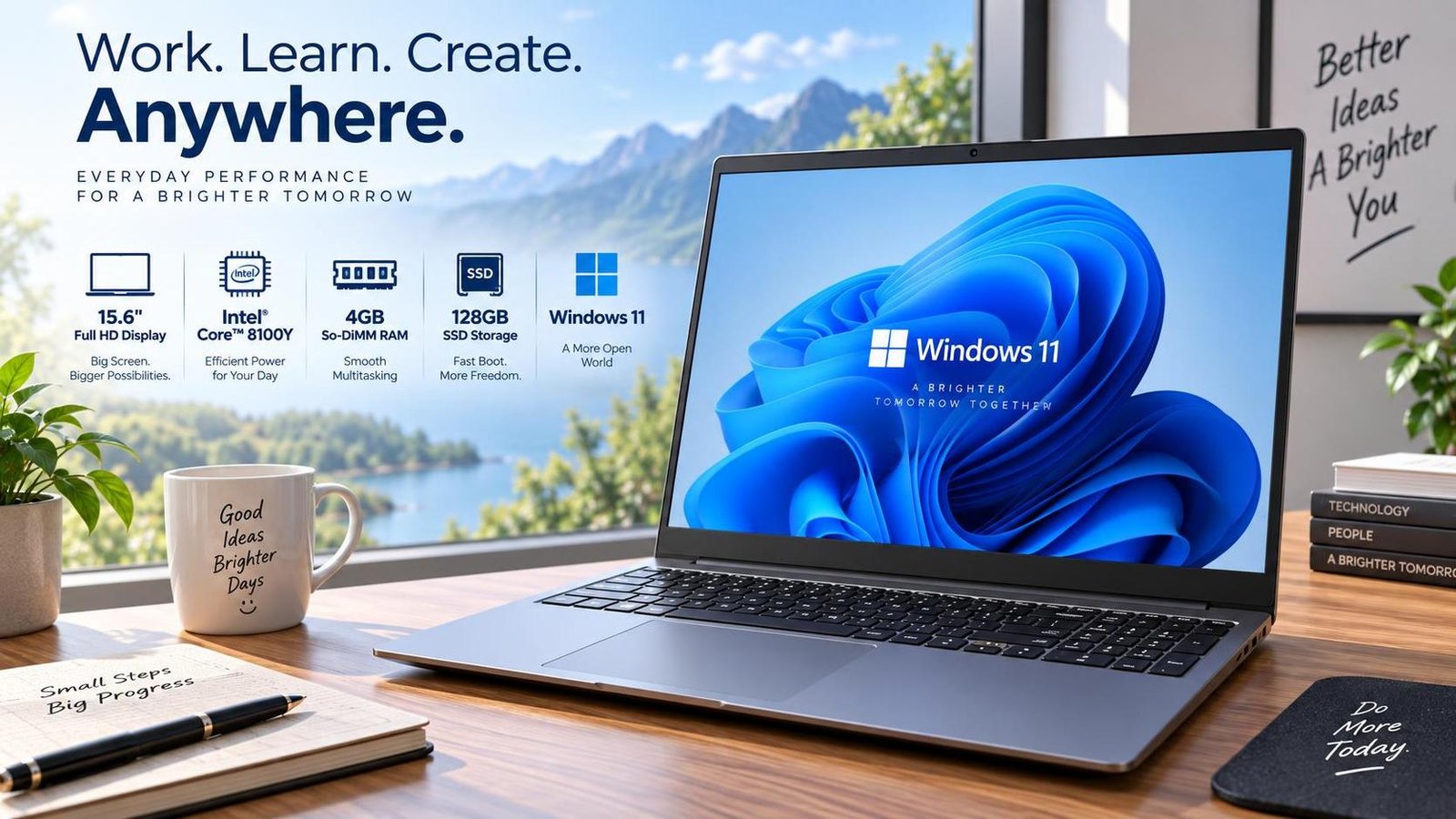
Best 7 Laptops for Multitasking in Bangladesh
If your laptop freezes when you open more than two apps, this guide is for you. Multitasking has become the norm: video calls, dozens of browser tabs, spreadsheets, and messaging apps all running at once. A laptop built for multitasking needs a capable processor, enough RAM, fast storage, and a battery that lasts through a busy day. This article highlights seven laptops that handle heavy workloads smoothly, with specs, pros, and cons for each.
What to Look For in a Multitasking Laptop
Processor
A modern multi-core CPU is the foundation. Intel Core i5/i7 (12th gen or newer) or AMD Ryzen 5/7 (6000 series or newer) handle concurrent tasks well.
RAM
8 GB is the bare minimum; 16 GB is the sweet spot for heavy multitasking. Upgradeable RAM is a plus.
Storage
An NVMe SSD ensures apps open quickly and the system stays responsive under load. 512 GB or more is recommended.
Battery and Build
Long battery life and a comfortable keyboard matter for all-day productivity. Lightweight builds help if you commute.
The 7 Best Multitasking Laptops
1. Asus ExpertBook B1502CVA (Core i5-1335U)
The Asus ExpertBook B1502CVA is a productivity-focused laptop with an Intel Core i5-1335U that keeps work quick and smooth. Its 8 GB RAM can be upgraded to 40 GB for future needs, and the 512 GB NVMe SSD stores files and opens them fast. Wi-Fi 6E delivers faster, more stable internet, while the spill-resistant keyboard protects against small accidents. A built-in privacy shutter and fingerprint sensor add security. It is a great choice for working, studying, or media consumption.
- Pros: Powerful processor, good battery, spill-resistant keyboard, upgradeable RAM, fast Wi-Fi.
- Cons: Plastic body, though it keeps weight low.
Specifications: 15.6-inch 60 Hz display; 8 GB DDR4 (upgradable); 512 GB NVMe SSD; Intel Core i5-1335U; Intel UHD Graphics; 42 Wh battery; 1.69 kg.
2. Lenovo IdeaPad 1 15AMN7 (Ryzen 5 7520U)
The Lenovo IdeaPad 1 15AMN7 offers strong value with an AMD Ryzen 5 7520U. It handles everyday tasks like browsing and document editing with ease. The 8 GB LPDDR5 RAM and 512 GB SSD (upgradable) provide speed and storage, while the 15.6-inch FHD display and Dolby Audio speakers deliver a decent viewing and listening experience. Wi-Fi 6 and Bluetooth 5.1 keep you connected, and the HD webcam includes a privacy shutter.
- Pros: Decent performance, comfortable keyboard, good value, privacy shutter.
- Cons: Fewer ports than some rivals.
Specifications: 15.6-inch FHD; 8 GB LPDDR5; 512 GB SSD; AMD Ryzen 5 7520U; integrated graphics; 42 Wh battery; 1.58 kg.
3. HP ProBook 440 G9 (Core i5-1235U)
The HP ProBook 440 G9 is a lightweight yet powerful laptop powered by a 12th Gen Intel Core i5-1235U. With 16 GB RAM and a 512 GB NVMe SSD, it juggles multiple apps effortlessly. The 14-inch display offers bright, clear visuals, and Intel Iris Xe graphics handle everyday tasks. The backlit, spill-resistant keyboard and good port selection keep you productive, while the 720p HD camera supports clear video calls. Battery life is impressive.
- Pros: Smooth multitasking, clear FHD display, great battery, upgradeable memory.
- Cons: Audio quality is not exceptional.
Specifications: 14-inch display; 16 GB DDR4; 512 GB NVMe SSD; Intel Core i5-1235U; Intel Iris Xe; 41 Wh battery; 1.58 kg.
4. Acer Aspire Spin 14 (Core Ultra 7 150U)
The Acer Aspire Spin 14 is a light, convertible laptop made for multitasking. Its Intel Core Ultra 7 processor and 16 GB RAM let you run many apps at once without slowing down. The 14-inch touchscreen makes typing, drawing, and watching videos smooth, while Wi-Fi 6E and Thunderbolt 4 ports provide fast connectivity. It is ideal for projects, online classes, and entertainment.
- Pros: Strong multitasking performance, touchscreen, lightweight, fast connectivity.
- Cons: Integrated graphics not suited to creative professionals.
5. Dell Latitude 5440 (Core i5-1335U)
The Dell Latitude 5440 is a business-grade laptop built for reliability. Its 13th Gen Intel Core i5 keeps multitasking smooth, and 16 GB RAM plus a 512 GB SSD provide ample speed and storage. The 14-inch FHD display is comfortable for long work sessions, and the sturdy chassis withstands daily travel. Excellent port selection and enterprise security features round out the package.
- Pros: Durable build, good ports, reliable performance, strong security.
- Cons: Plain design; slightly pricey.
6. Apple MacBook Air 15 (M3)
The MacBook Air 15 with M3 is a silent, fanless multitasking machine. The M3 chip handles many apps simultaneously with excellent efficiency, and the 15.3-inch Liquid Retina display is bright and sharp. Battery life stretches well beyond a full workday. It is ideal for users invested in the Apple ecosystem who want portability and longevity.
- Pros: Silent operation, exceptional battery, large display, premium build.
- Cons: Limited ports; higher price.
7. Asus Vivobook 16 (Core i5-1335U)
The Asus Vivobook 16 offers a spacious 16-inch FHD display that makes multitasking with split windows comfortable. Powered by an Intel Core i5-1335U with 16 GB RAM and a 512 GB SSD, it keeps everyday workloads responsive. The numeric keypad aids data entry, and the backlit keyboard helps in low light. It is a solid all-rounder for students and office workers.
- Pros: Large display, good value, comfortable keyboard, solid performance.
- Cons: Average build quality; speakers are modest.
Buying Tips for Multitaskers
Prioritize RAM and SSD over flashy extras. If your budget allows, choose 16 GB RAM and a 512 GB NVMe SSD. Consider upgradeability so you can extend the laptop's life. Check local warranty and service support in Bangladesh before purchasing.
Frequently Asked Questions
How much RAM do I need for multitasking?
8 GB handles light multitasking. For heavy use with many tabs and apps, 16 GB is the recommended sweet spot.
Is an SSD important for multitasking?
Yes. An SSD dramatically improves app launch times and system responsiveness under load compared with a hard drive.
Can a budget laptop multitask well?
Yes, if it has at least 8 GB RAM and an SSD. Avoid models with 4 GB RAM and HDD storage for heavy multitasking.
Does processor generation matter?
Yes. Newer generations offer better efficiency and multi-core performance, which directly improves multitasking.
Which is better for multitasking, Mac or Windows?
Both work well. Macs excel in efficiency and battery; Windows offers more hardware choice and upgradeability.

Jabir Al Shaker
Founder and editor of StartsNest. Technology writer and digital marketing specialist with expertise in mobile technology, consumer electronics, and online business strategies.
View all articles by Jabir Al Shaker →More to read
Xiaomi 13 Lite Review: Exceptional Design Meets Unbeatable Camera
The Xiaomi 13 Lite combines a slim 171g design, a 120Hz AMOLED display, a flagship-grade 50MP camera, dual selfie cameras, and 67W fast charging into an appealing mid-range package.
Xiaomi 13 Ultra Review: What is so Ultra?
The Xiaomi 13 Ultra packs a 50MP 1-inch Leica camera, Snapdragon 8 Gen 2, a 6.73-inch LTPO OLED display, and a 5000mAh battery with 90W charging into a premium IP68 body. Here is whether it lives up to the hype.
Xiaomi 13T Review: New MidRange King?
The Xiaomi 13T brings a vegan leather design, 144Hz display, Dimensity 8200-Ultra performance, and Leica-tuned cameras to the mid-range. Here is whether it earns the mid-range crown.
Comments (0)
No comments yet. Be the first to share your thoughts!