
7 Best Gaming Mouse – Fast, Accurate & Comfortable
A practical guide to seven excellent gaming mice across budgets, covering sensors, polling rates, weight, and comfort to help you aim better and play longer.
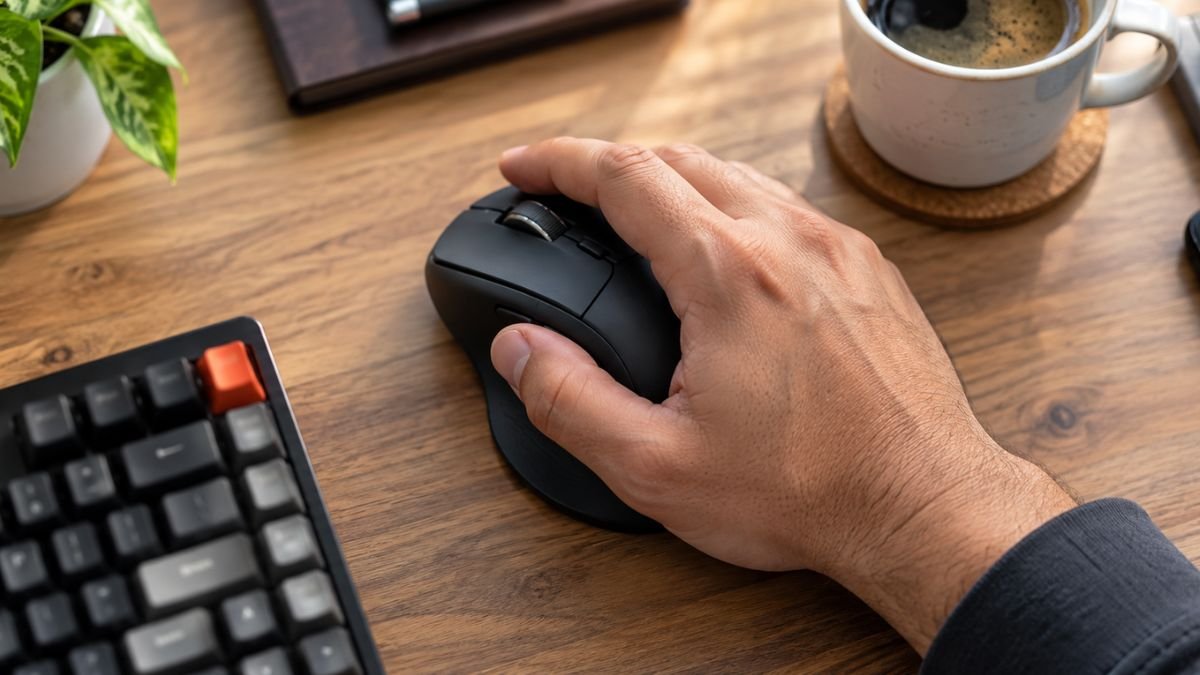
7 Best Gaming Mouse: Fast, Accurate and Comfortable Picks for Every Budget
Choosing a gaming mouse is not as simple as picking the one with the brightest RGB lights. A good gaming mouse must track your movements precisely, respond instantly, and stay comfortable through long sessions. Whether you play competitive shooters, MMOs, or casual titles, the right mouse can sharpen your aim and reduce fatigue. This guide rounds up seven excellent gaming mice across different price tiers, so you can find a model that matches your grip, genre, and budget.
Why a Gaming Mouse Matters More Than You Think
An office mouse is built for pointing and clicking, not for rapid flicks and micro-adjustments. Gaming mice use better sensors, higher polling rates, and durable switches that withstand millions of clicks. They also offer customizable DPI, programmable buttons, and shapes designed for specific grip styles. These details translate into smoother tracking, lower latency, and more consistent performance when it matters most.
Precision and Sensor Quality
The sensor is the heart of any gaming mouse. Modern optical sensors track movement without acceleration or smoothing, giving you one-to-one input. Look for a sensor with a high maximum DPI and a wide tracking range, but remember that most players use between 400 and 1600 DPI. Consistency matters more than extreme numbers, especially on varied surfaces.
Polling Rate and Latency
Polling rate determines how often the mouse reports its position to your PC. A 1000Hz polling rate means updates every millisecond, which feels responsive and smooth. Some flagship mice now reach 4000Hz or 8000Hz for even lower latency, though the benefit is most noticeable in fast-paced esports titles.
Weight and Shape
Weight affects how quickly you can flick and stop. Lightweight mice around 60 grams suit fast FPS players, while heavier mice around 100 grams can feel more stable for tracking. Shape matters just as much. Palm, claw, and fingertip grips each favor different mouse profiles, so try to match the mouse to your natural hand position.
Switches and Durability
Mechanical switches determine click feel and lifespan. Optical switches avoid double-click issues and last longer, while mechanical switches offer a familiar tactile response. Check the rated click lifespan, which ranges from 20 million to over 90 million clicks depending on the model.
How to Choose the Right Gaming Mouse
Sensor and DPI Range
Pick a mouse with a reliable sensor and a DPI range that covers your preferred sensitivity. Most competitive players stay below 3200 DPI, so an enormous maximum is not essential. What you want is stable tracking at low and high speeds without spin-outs.
Wired vs Wireless
Wireless gaming mice have caught up to wired ones. Modern 2.4GHz connections deliver latency comparable to cables, and battery life now stretches to hundreds of hours. Wired mice remove battery anxiety and often cost less. Choose wireless for a cleaner desk and freedom of movement, or wired for simplicity and value.
Grip Style and Size
Measure your hand and consider your grip. Larger hands often prefer longer mice with a pronounced hump, while smaller hands benefit from compact designs. Ambidextrous shapes suit claw and fingertip grips, while ergonomic right-handed shapes favor palm grip players.
Top 7 Gaming Mice
Logitech G PRO X Superlight 2
This flagship wireless mouse weighs just 60 grams and uses Logitech's HERO 2 sensor for precise tracking up to 32000 DPI. The LIGHTSPEED wireless connection keeps latency low, and the 95-hour battery means less charging. LIGHTFORCE hybrid switches blend optical speed with mechanical feel. It lacks RGB lighting, which keeps weight down and battery life high. This is the pick for competitive FPS players who want top-tier performance without compromise.
Razer Basilisk V3
The Basilisk V3 is a feature-packed wired mouse with 11 programmable buttons and 11 Chroma RGB zones. Its 26000 DPI sensor handles fast flicks with ease, while the HyperScroll tilt wheel offers tactile, free-spin, and smart-reel modes. The ergonomic shape suits palm and claw grips. It is slightly heavier at 101 grams, but the customization and build quality make it ideal for MMO, RPG, and productivity users who want one mouse for everything.
Razer DeathAdder V2 X HyperSpeed
If you want wireless freedom on a budget, this mouse delivers. It offers 14000 DPI, seven programmable buttons, and up to 235 hours of battery in 2.4GHz mode or over 600 hours in Bluetooth. The classic DeathAdder shape is comfortable for most hand sizes. It is a reliable all-rounder for gamers who want Razer performance without flagship pricing.
A4TECH Bloody R73 Ultra Duo
A4TECH's R73 Ultra Duo brings strong value with a 20000 CPI sensor, dual-mode wireless connectivity, and a charging dock that doubles as a 2.4GHz signal stabilizer. At 74 grams it is light enough for fast movements, and the 1000Hz polling rate keeps tracking smooth. The dock is a clever touch that improves wireless stability. This is a great mid-range choice for gamers who want features usually found in pricier models.
A4TECH Bloody W70 Max
For budget competitive players, the W70 Max offers 10000 DPI, a 2000Hz polling rate, and an optical sensor that tracks accurately on most surfaces. Eight buttons provide enough customization for shooters and MOBAs. It is heavier at 145 grams, which some players prefer for controlled tracking. The extra fire wheel lets you switch weapons or skills quickly. It is a solid wired option for gamers who want performance without spending much.
Logitech G102 Lightsync
The G102 is a legendary entry-level mouse. It pairs an entry-level sensor with reliable tracking, a comfortable ambidextrous shape, and Lightsync RGB. Six programmable buttons cover basic needs, and the lightweight build suits claw and fingertip grips. It is affordable, durable, and widely available, making it the safest first gaming mouse for new players.
Fantech Kanata VX9S
Fantech's Kanata VX9S targets casual gamers with a friendly price and dependable wired performance. It offers entry-level sensor tracking, a comfortable shape, and basic RGB. While it lacks advanced features, it covers the essentials well and is a sensible step up from a generic office mouse.
Quick Comparison
For esports and competitive FPS, the Logitech G PRO X Superlight 2 is the clear winner thanks to its 60-gram weight and HERO 2 sensor. For MMO and productivity, the Razer Basilisk V3 offers unmatched customization. Wireless budget shoppers should consider the Razer DeathAdder V2 X HyperSpeed or A4TECH Bloody R73 Ultra Duo. The A4TECH Bloody W70 Max suits budget competitive players, while the Logitech G102 Lightsync and Fantech Kanata VX9S serve entry-level and casual gamers.
Buying Tips for Bangladesh
Buy from authorized retailers to ensure genuine products and warranty coverage. Check the warranty period and service center availability before purchasing. If you play on a cloth pad, any of these mice will track well, but glass or hard pads may favor certain sensors. Test the shape in person if possible, since comfort is subjective and hard to judge from photos.
Frequently Asked Questions
Is a wireless gaming mouse as fast as a wired one?
Yes. Modern 2.4GHz wireless mice from Logitech and Razer match wired latency closely. The difference is negligible for most players.
What DPI should I use for gaming?
Most competitive players use 400 to 1600 DPI. Higher DPI is not better; consistency and comfort matter more. Adjust in-game sensitivity to match your preference.
How important is mouse weight?
Weight affects speed and fatigue. Lightweight mice suit fast flicks, while heavier mice feel more controlled. Choose based on your playstyle and hand strength.
Do I need many programmable buttons?
Only if you play MMOs or use macros. FPS players often prefer fewer buttons to avoid accidental presses. Match button count to your genre.
How long do gaming mice last?
Quality gaming mice last several years. Switches are rated for 20 to 90 million clicks, and sensors rarely fail. Cables and feet wear first but are replaceable.
Which mouse is best for beginners?
The Logitech G102 Lightsync is affordable, reliable, and comfortable, making it an ideal first gaming mouse.
Final Verdict
There is no single best gaming mouse for everyone. Competitive players should lean toward the Logitech G PRO X Superlight 2. Customization fans will love the Razer Basilisk V3. Budget wireless seekers have strong options in the Razer DeathAdder V2 X HyperSpeed and A4TECH Bloody R73 Ultra Duo. Entry-level gamers can start confidently with the Logitech G102 Lightsync. Pick the mouse that fits your hand, genre, and budget, and your gameplay will benefit immediately.

Jabir Al Shaker
Founder and editor of StartsNest. Technology writer and digital marketing specialist with expertise in mobile technology, consumer electronics, and online business strategies.
View all articles by Jabir Al Shaker →More to read
Xiaomi 13 Lite Review: Exceptional Design Meets Unbeatable Camera
The Xiaomi 13 Lite combines a slim 171g design, a 120Hz AMOLED display, a flagship-grade 50MP camera, dual selfie cameras, and 67W fast charging into an appealing mid-range package.
Xiaomi 13 Ultra Review: What is so Ultra?
The Xiaomi 13 Ultra packs a 50MP 1-inch Leica camera, Snapdragon 8 Gen 2, a 6.73-inch LTPO OLED display, and a 5000mAh battery with 90W charging into a premium IP68 body. Here is whether it lives up to the hype.
Xiaomi 13T Review: New MidRange King?
The Xiaomi 13T brings a vegan leather design, 144Hz display, Dimensity 8200-Ultra performance, and Leica-tuned cameras to the mid-range. Here is whether it earns the mid-range crown.
Comments (0)
No comments yet. Be the first to share your thoughts!